How to: Set Up Citation Blaster
Enroll a business once, then let Citation Blaster publish and keep directory listings synchronized.
Prerequisites
Citation Blaster is available for paid plans. Before enrolling, make sure the business has accurate NAP data, a primary category, coordinates, and enough credits for the monthly enrollment.
Open Citation Blaster
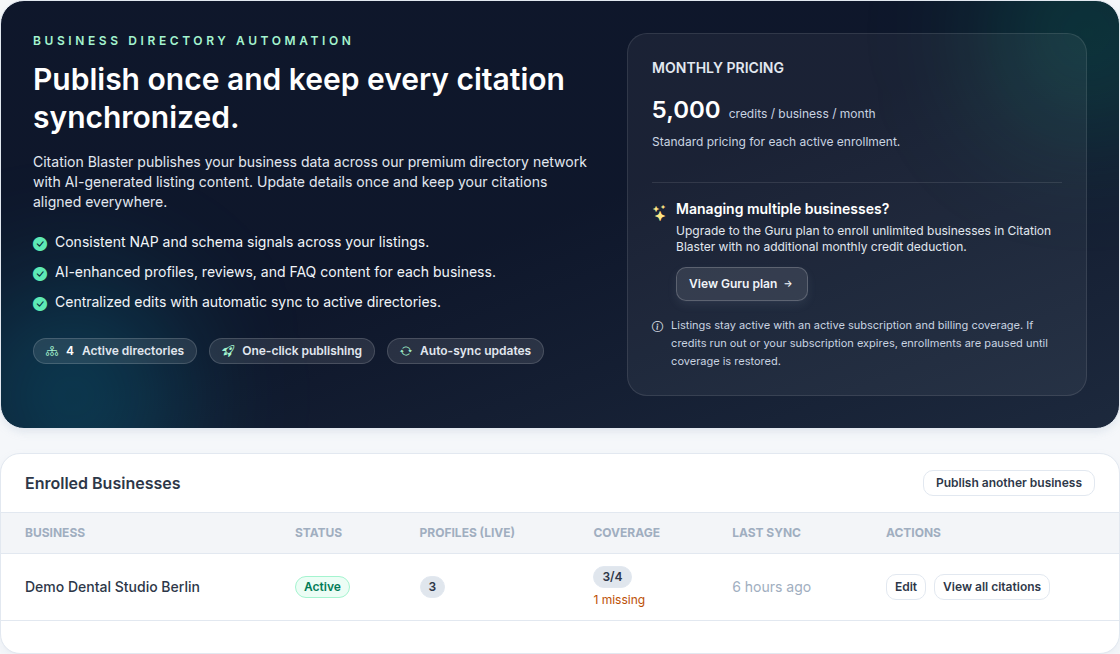
Open Citation Blaster from the sidebar. The overview shows the current pricing, active directory network, and enrolled businesses.
Select the business to publish
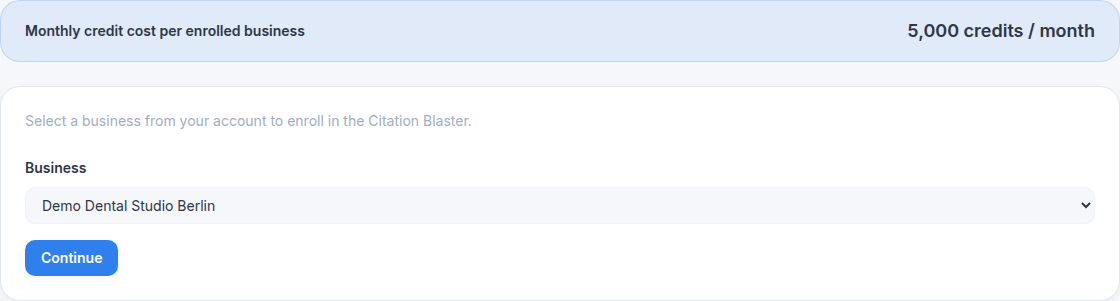
Choose Publish new Business, then select the business that should be sent to the directory network. The monthly cost is shown before you continue.
Review the core business data
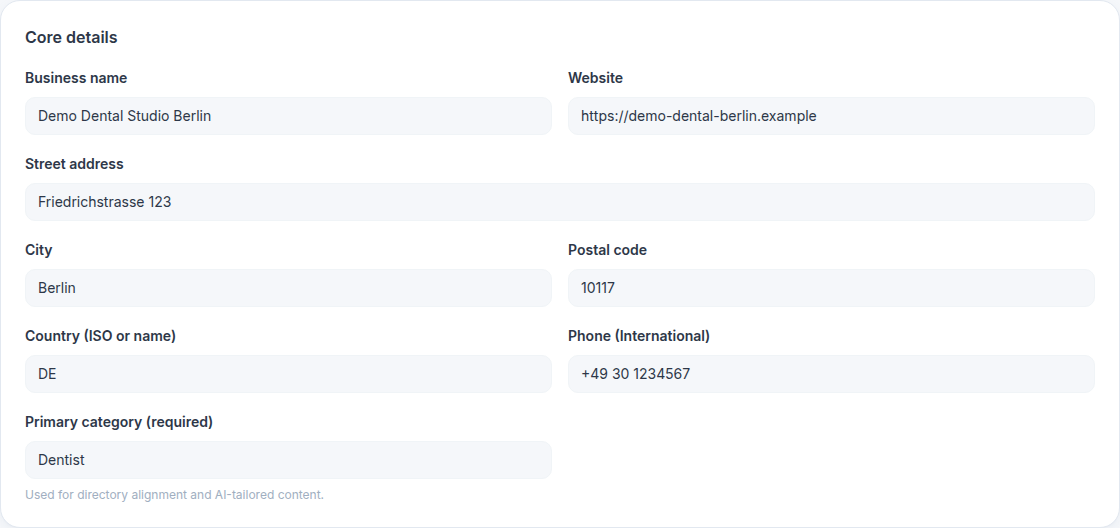
Confirm the prefilled business details. These values become the source of truth for generated directory profiles, so correct them before submitting if needed.
- Name, website, street address, city, postal code, and country
- International phone number and primary GBP category
- Opening hours and social links where available
Add optional context and enroll
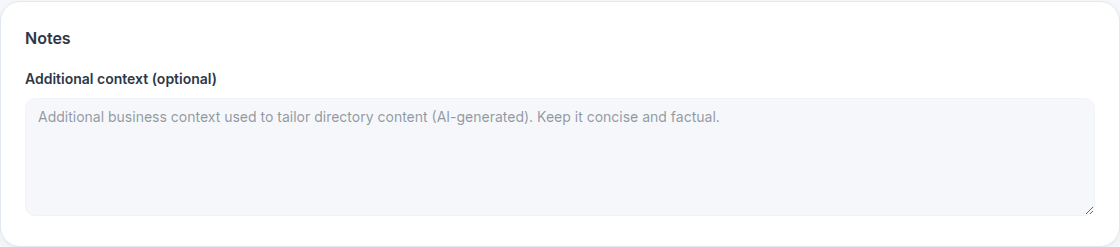
Use the notes field for short factual context that can help AI-generated descriptions. Then click Enroll now.
What happens after enrollment
Active links
Directory profiles that are published and available for review.
Pending updates
Profiles or content fields that are still being generated or synchronized.
Ongoing sync
When business data changes, Citation Blaster can synchronize updated NAP data to the directory network.