Free rank checks
Use Chrome or Firefox to run quick Google Maps rank checks before you commit to larger server-side scan volume.
Run Google Maps local rank checks from Chrome or Firefox without spending server-side credits. Both extensions look and work the same, save results to the same Local Rank Guru account, and connect to the same reporting workflow.
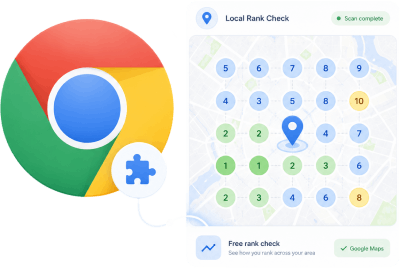
Use Chrome or Firefox to run quick Google Maps rank checks before you commit to larger server-side scan volume.
Validate keywords, inspect a service area, and spot ranking gaps without preparing a full recurring campaign first.
Keep extension checks tied to the same Local Rank Guru reporting, tracking, and client-proof workflow.
The Chrome and Firefox versions share the same Local Rank Guru interface, the same scan setup, the same Google Maps workflow, and the same dashboard results. The only difference is the browser store where you install it.
Install the Chrome build from the Chrome Web Store when Chrome is your main browser for local SEO work, prospect audits, and browser-based GeoGrid checks.
Manual installation is available for Chrome users who do not want to use the Chrome Web Store.
Install the Firefox build from Mozilla Add-ons when your team prefers Firefox but still wants the same Local Rank Guru scan and reporting workflow.
The extension is the fastest free path into local rank checks. When you need recurring monitoring, higher volume, citation research, or before/after proof, the same account can continue inside the full platform.
Add the extension, pin it, and sign in with your Local Rank Guru account.
Use browser-based checks for quick audits and prospect conversations.
Send finished checks back into your Local Rank Guru workflow.
Move into recurring scans, reports, and citation workflows when volume grows.
Download version 1.5, extract the ZIP archive, and load the folder that contains manifest.json in Chrome.
Download the ZIP and extract it to a permanent folder on your computer.
Open chrome://extensions in a new Chrome tab.
Turn on Developer mode in the top-right corner.
Choose Load unpacked and select the extracted folder containing manifest.json.