The Free Browser Extension Built for Local Rank Tracking
Local Rank Guru now gives Chrome and Firefox users a free browser-based way to run Google Maps GeoGrid rank checks, inspect competitor categories, and send results into a real reporting workflow.
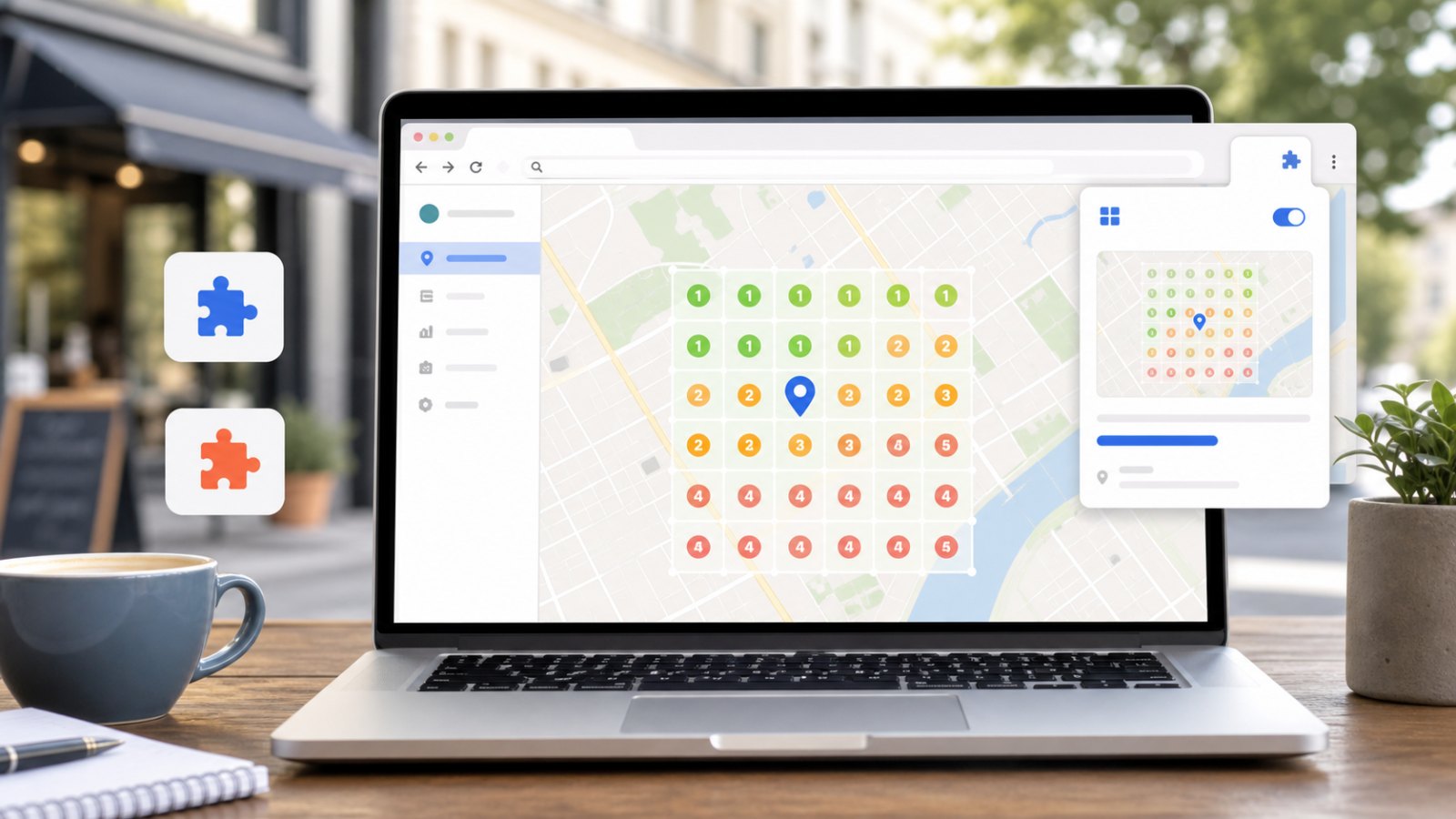
Most local SEO tools make rank tracking feel like something you need to budget for before you can even test it properly. You pick a keyword, pay for a scan, wait for a cloud crawler, and only then find out whether the query, grid size, or business setup was worth tracking in the first place.
The Local Rank Guru Browser Extension was built for a different starting point: install it in Chrome or Firefox, connect a free Local Rank Guru account, and run real Google Maps GeoGrid checks directly from your browser. The results still land in the Local Rank Guru dashboard, so the scan is not just a throwaway check. It becomes part of the same reporting, heatmap, and before/after workflow you would use for ongoing local SEO work.
That combination is unusual. As far as we can tell, Local Rank Guru is the first and only free browser extension that lets users run a complete browser-based local rank tracking workflow for Google Maps in both Chrome and Firefox.
Table of Contents
Why this extension exists
Local rankings are not one number. A business can be visible near its storefront, invisible a few miles away, strong for one keyword, and weak for another. That is why GeoGrid rank tracking matters: it shows how Google Maps visibility changes across a real service area instead of reducing everything to one generic position.
The problem is that GeoGrid tracking often starts too late in the workflow. Agencies want to qualify a prospect before spending credits. Business owners want to see whether their visibility problem is real before buying a tool. In-house teams want a quick check before setting up recurring monitoring.
The browser extension fills that early step. It gives you a free way to run manual Google Maps rank checks and then keep the results in a structured place. If the scan proves useful, you can move into scheduled scans, larger campaigns, shareable reports, Citation Spy, or Citation Blaster from the same account.
Google describes local results as being shaped by relevance, distance, and prominence in its local ranking documentation. A grid scan is a practical way to see that distance component instead of guessing from one search location.
What the extension does
The extension is not just a button that opens Google Maps. It is a small scan workflow inside the browser.
- Login and account connection: sign in with your Local Rank Guru account and keep the extension connected through a secure API key.
- Quick Scan setup: search for a Google Business Profile, add one or more keywords, choose grid size and point distance, and start a scan from the popup.
- Signed-out draft flow: set up a scan before logging in, create a free account or sign in, and let the extension submit the saved draft automatically.
- Existing business selection: signed-in users can choose businesses already saved in Local Rank Guru instead of re-entering details.
- Free manual GeoGrid checks: browser-created quick scans support compact grids up to 11x11, which is enough for useful audits without turning a free browser scan into a long unattended crawl.
- Live scan status: see the current job, keyword, business, progress percentage, completed grid points, and a direct report link.
- Scan controls: pause and resume the active scan surface, stop queued scans, resume paused scans, or remove scans from the popup.
- Adjustable pacing: set the wait time between grid points from 30 to 300 seconds.
During a scan, the extension opens a dedicated Google Maps scan window, applies the grid-point location inside that scan surface, waits for Maps to render, extracts ranking positions from the visible results, and submits the minimal ranking set back to Local Rank Guru: position plus listing identifiers such as Place ID or CID.
That last detail matters. The production workflow does not need to send raw Google Maps HTML to store a ranking result. Local Rank Guru can save the rank data, mark the grid point as complete, and show the result on the scan report map.
Google Maps intelligence while you browse
The extension also helps before you run a scan. On normal user-opened Google Maps tabs, it can show a lightweight Local Rank Guru overlay for competitor research. Scan-owned tabs are excluded, so rank collection and manual research stay separate.
In supported Google Maps result lists, the overlay can add Google Business Profile category chips to visible listings. It also summarizes category frequency, so you can quickly see which categories appear most often for a local search. For local SEO work, that can be more useful than staring at ten listings and trying to remember patterns manually.
On supported business profile views, the extension can show a Place Details panel with copyable fields such as address, review count, rating, latitude and longitude, Place ID, Business ID, CID, categories, phone, website, and Maps URL. It can also export visible listing details as CSV.
The useful part is the handoff. From a Maps profile, you can add the business to Local Rank Guru or prepare a Quick Scan draft. That turns everyday Maps research into a shorter path: inspect a listing, keep the identifiers you need, and start tracking without rebuilding the setup in another tab.
Chrome and Firefox use the same workflow
Local Rank Guru now offers the extension for both Chrome and Firefox. These are not separate products with different expectations. They share the same account login, popup structure, Quick Scan flow, dedicated scan-window approach, Local Rank Guru API, and dashboard result storage.
The Firefox build exists as a separate WebExtension port because browsers handle background behavior and extension APIs differently. For users, the practical message is simple: choose the browser you actually use. Chrome users install from the Chrome Web Store. Firefox users install from Mozilla Add-ons. The Local Rank Guru workflow remains the same.
That browser choice is part of the value. Local SEO teams are often split across tools, devices, and preferences. A free local rank tracking workflow should not require everyone to switch browsers before they can run a quick audit.
Privacy, control, and scan quality
Browser-based rank tracking has one important tradeoff: Google Maps needs to render properly. For the most reliable results, the extension uses a visible dedicated scan window as its supported baseline. If the scan surface loses focus or Maps location permission is missing, the extension can pause and show a clear state instead of silently collecting weak data.
You stay in control while it runs. The popup and scan window expose pause and resume states, progress, countdowns, and clear scan actions. The settings panel also lets you turn the Google Maps business insights overlay on or off.
The data model is intentionally narrow. The extension sends the minimal ranking data needed for reports and selected Local Rank Guru actions. The passive Maps overlay works locally in the browser and only sends business details when you explicitly choose an action such as adding a business or preparing a scan.
How to try it
If you want to see local ranking visibility without committing to a paid scan workflow first, start with the extension:
- Visit the Local Rank Guru Browser Extension page.
- Install the Chrome or Firefox version.
- Create or connect a free Local Rank Guru account.
- Search for a business, add a keyword, choose a compact grid, and run your first scan.
- Open the finished report in Local Rank Guru and review the GeoGrid map.
Use it for quick prospect audits, first-pass Google Business Profile checks, category research, service-area visibility snapshots, and before/after proof when you make local SEO changes.
When you need more volume, scheduled monitoring, cloud-based scans, shareable reporting, or citation workflows, the extension does not become a dead end. It is the free first step into the full Local Rank Guru platform.